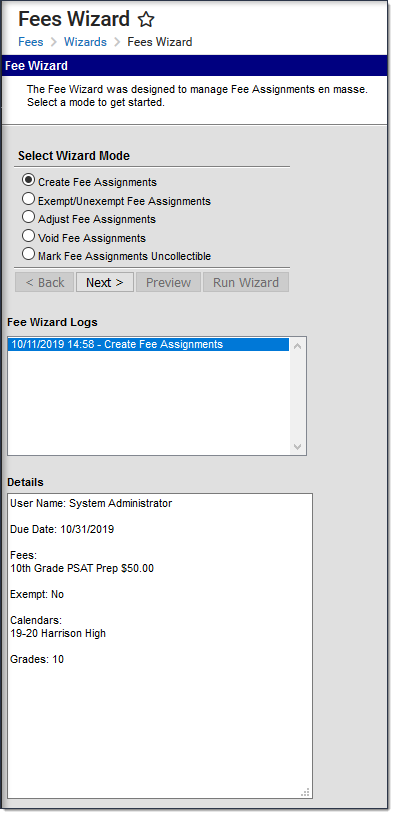
The Fees Wizard Logs display the parameters selected each time the Fee Wizard was used through to completion (if a user did not click the Finish or Run buttons for any mode, the log is not kept). Logs are listed in chronological order with the Fees Mode that was performed. Selecting a log displays the parameters.
To view the Fee Wizard Logs, a calendar must be selected in the Campus toolbar.