The OLR Status tool is used to create the status types that are used when processing student applications.
See the OLR Status article for information on using that tool.
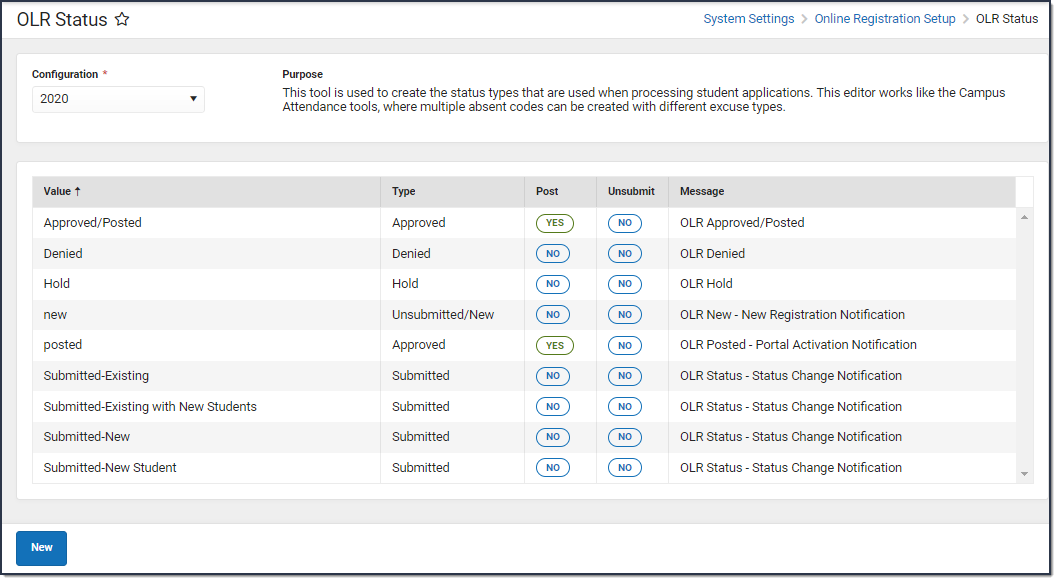 Create statuses for your applications in the OLR Status tool.
Available Tool Rights
| R | W | A | D |
|---|---|---|---|
|
|
|
|
Suggested User Groups
See User Groups and Suggested Roles for more information.
