Tool Search: Section Template
Section Templates allow users to define the meeting pattern of a section (Period Schedule, Period and duration) for section placement in a calendar that has a complex schedule structure. Each meeting pattern is captured in a template. The set of all possible meeting patterns for a section are stored in template groups. Template groups are then assigned to courses and are used to place the course section in the correct location on the White Board when using the Scheduling Board.
Using the Section Template tools is optional in the scheduling workflow. If your school calendar has a complex scheduling structure, but you would like to continue with the process you currently use for placing sections in the Scheduling Board or manually building schedules, you may do so.
The following tools are available:
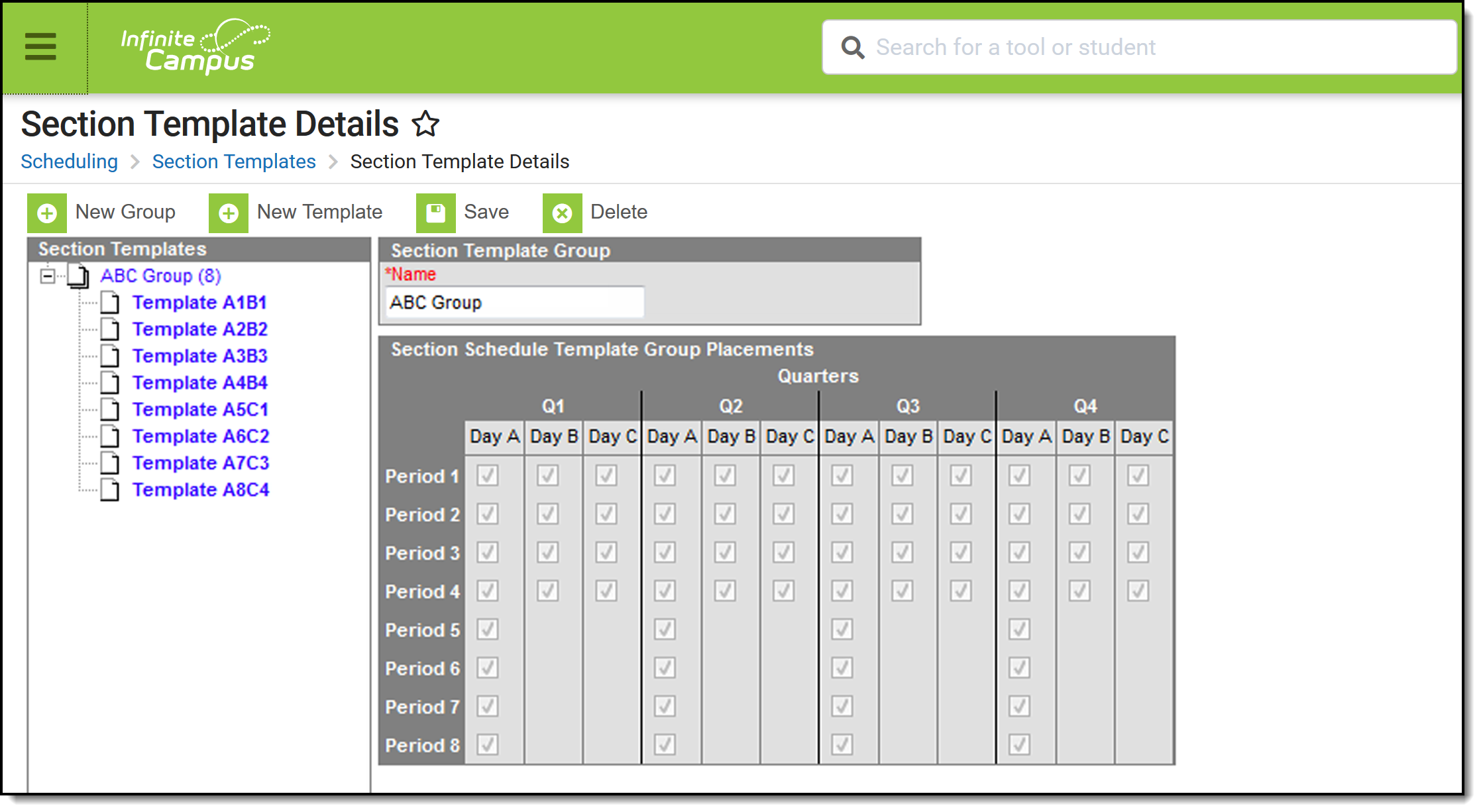 Section Templates allow the Scheduling Board to place course sections for non-standard schedules
Create Section Templates AFTER calendars and enrollments for the next school year have been rolled forward. See the Checklist for Scheduling for additional information. Once Section Templates are created in one calendar, they can be rolled forward to future calendars using the Calendar Wizard.
When to create and use Section Templates
Not all calendar schedule structures require section templates. Use the following as a guideline when determining whether you should use Section Templates.
| Calendar Structure | Use Section Templates? |
|---|---|
|
Section Templates are not necessary.
|
|
Section Templates are not necessary. |
|
Section Templates are recommended. |
|
Section Templates are recommended.
|
|
Section Templates are recommended.
|
|
Section Templates are recommended.
|
