Tools available in School Store Administration enable store managers to configure and maintain the store's operations.
Categories
Categories are how similar products are grouped in the store. When a portal user selects a category, only the products assigned to that category display. Inactive categories and active categories with NO active products do not appear in the School Store.
See the Categories article for more information.
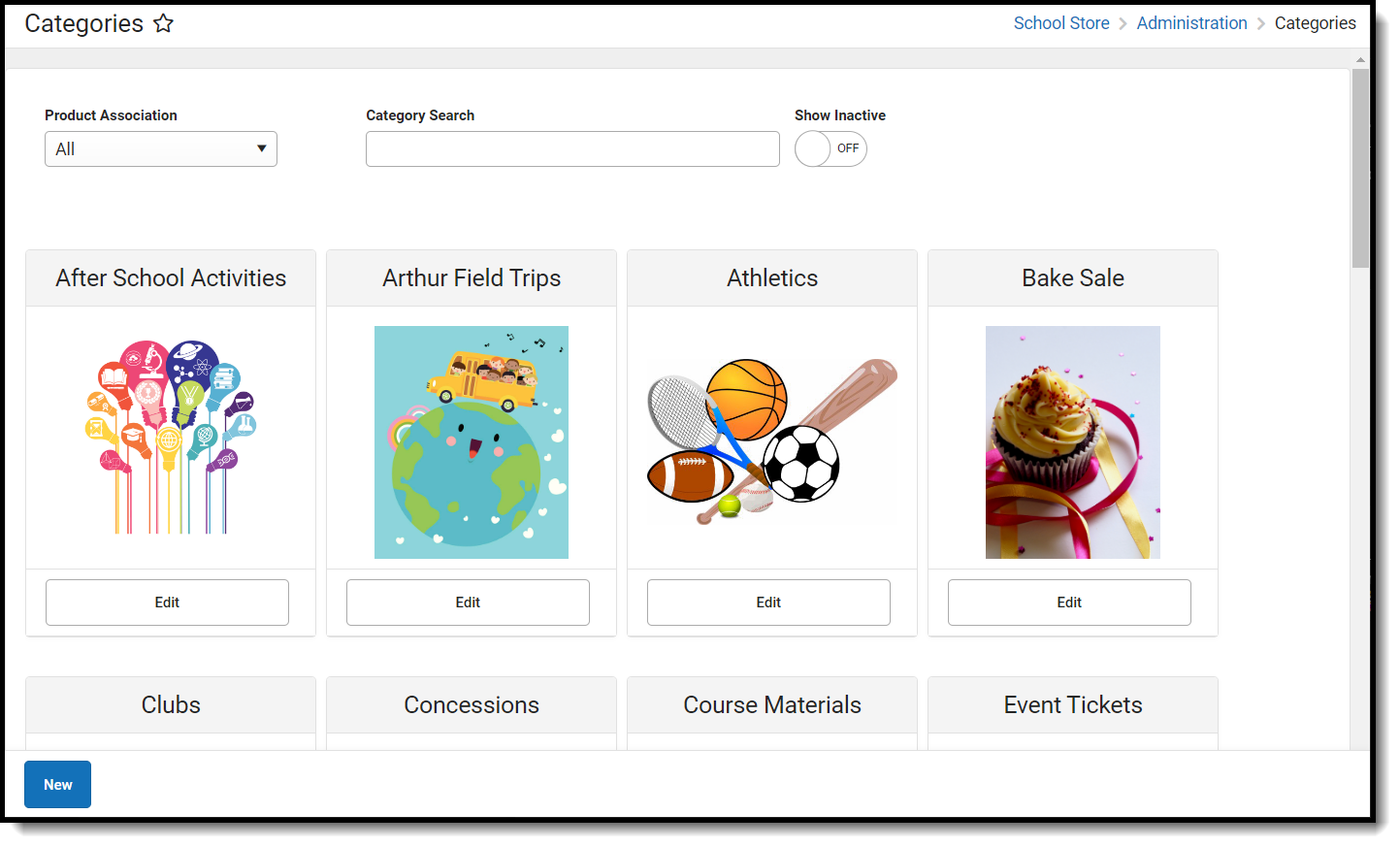 Use Categories to organize products and activities.
Available Tool Rights
| R | W | A | D |
|---|---|---|---|
|
|
|
|
Device Management
Devices used to record purchases via Mobile Payments must be configured in Device Management.
See the Device Management article for information on using the tool.
 Manage school-associated mobile devices through Device Management.

Users can only view devices assigned to schools to which they have rights. If a device is assigned to multiple schools, users can modify the device for the schools to which they have rights.
Available Tool Rights
| R | W | A | D |
|---|---|---|---|
|
|
|
|
Events
Mobile Payments can be used for transactions for purchases at district- or school-sponsored events set up in the Events tool.
See the Events article for information on using the tool.
 School Events are organized by timeframe and category
Available Tool Rights
| R | W | A | D |
|---|---|---|---|
|
|
|
|
Notifications
Districts can set up a Notification for the School Store Summary Report and Payment Error Notifications.
See the Notifications article for information on using the tool.
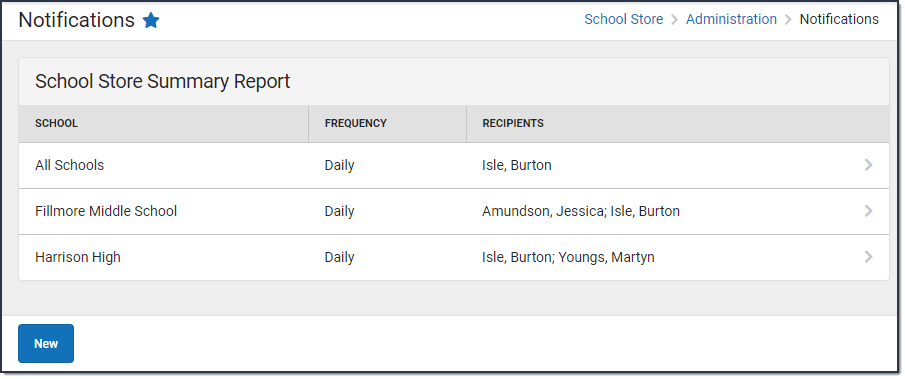 View Notifications for the School Store Summary Report by school, frequency, and recipients
For staff to receive a notification, they must be assigned tool rights to the School Store Summary Report.
Available Tool Rights
| R | W | A | D |
|---|---|---|---|
|
|
|
|
Product Types
Product Types are assigned to Products and to Fund Accounts. When a product is purchased, funds are deposited into the bank associated with the Fund Account to which you assigned the Product Type.
See the Product Types article for information on using the tool.
 Product Types aid in the organization of the products available in the School Store
Available Tool Rights
| R | W | A | D |
|---|---|---|---|
|
|
|
|
Settings
Determine how the School Store is displayed in Settings, and set up different options for each store.
See the School Store Settings article for information on using the tool.
 Configure School Store settings that include availability, display options, and branding
Available Tool Rights
| R | W | A | D |
|---|---|---|---|
|
|
|
|
Suggested User Groups
See User Groups and Suggested Roles for more information.
