This documentation applies to the Online Registration Prime version.
Tool Search: OLR List Value Updater
This tool replaces data entered for OLR dropdown fields where the original value is no longer an item in the list for that category.
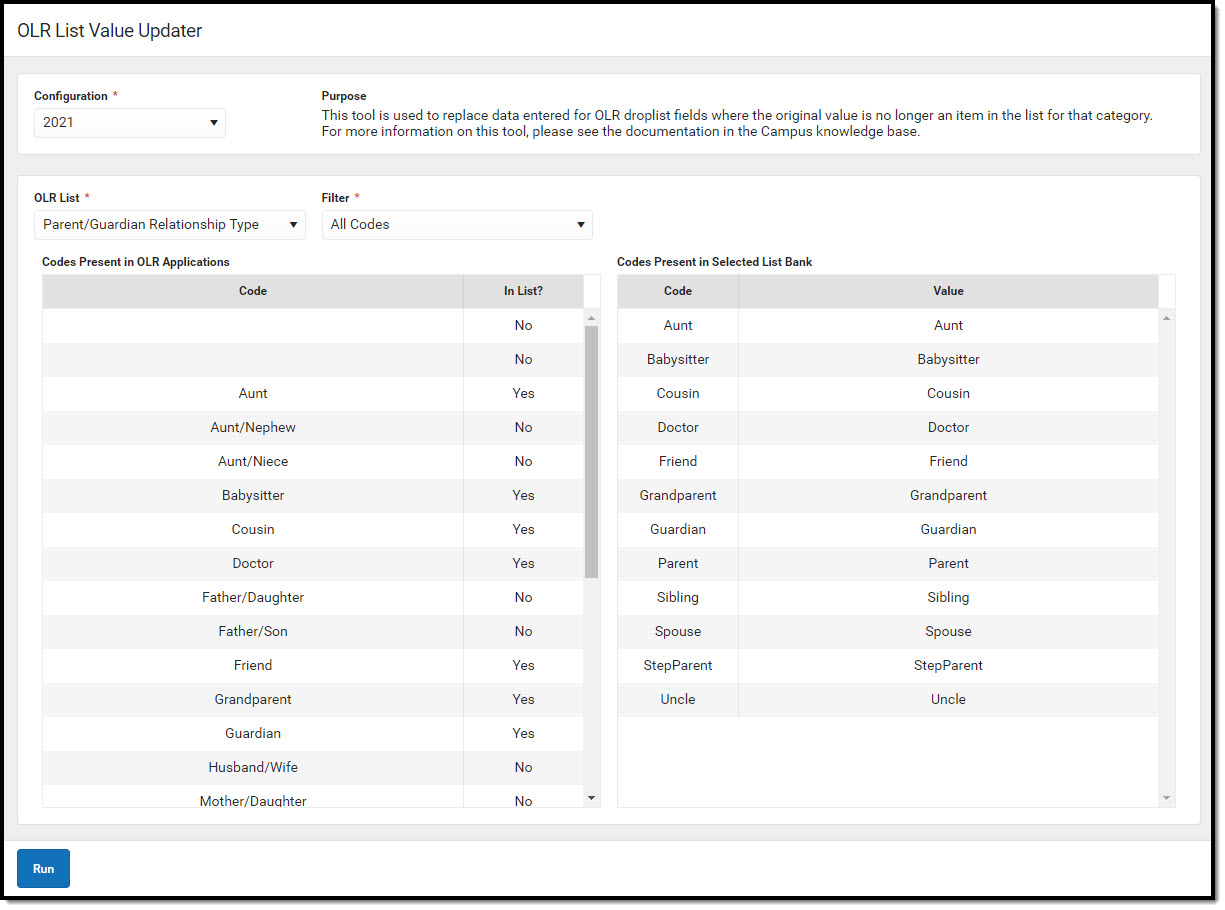 OLR List Value UpdaterSelect an OLR List and select the value to be replaced from the list on the left. Select the value that will replace it from the list on the right.
All fields in the chosen OLR List that have a value that matches the row selected from the list on the left will be replaced with the code value of the row selected on the list on the right. In general, only items with a value of No for the In List? column should be selected, since the items with a value of Yes will appear properly in OLR Applications.
