WARNING: DATA DELETION IS PERMANENT
Please be sure all your setup settings are correct before running Data Deletion. Once a run is started, even if forced to stop, some data may be lost if not done immediately or correctly.
Tool Search: Student Data Deletion
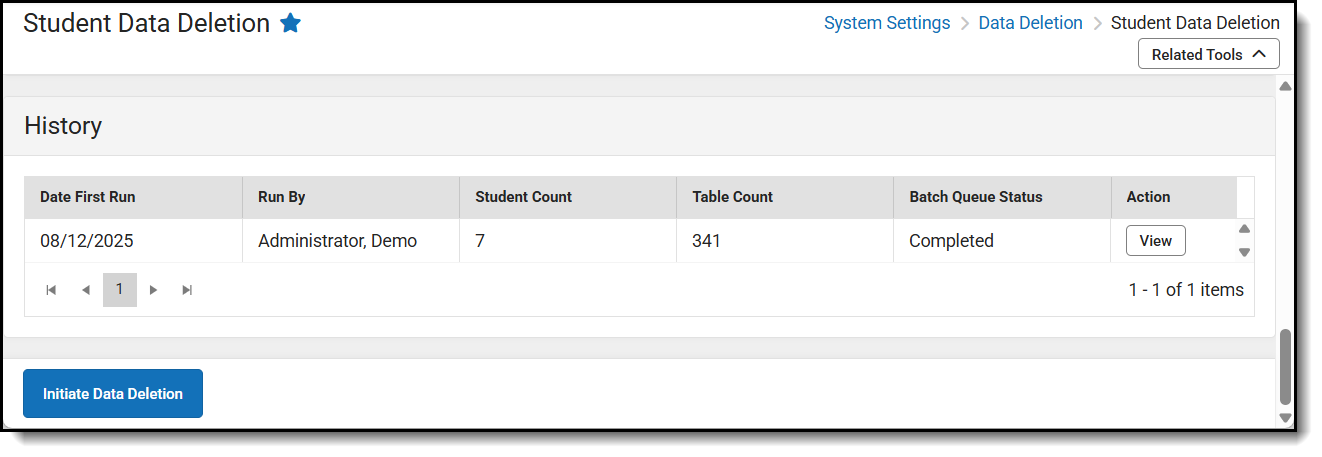
The History feature in Student Data Deletion will give summaries of each run. It includes the run date, the person who initiated the run, the students and tables involved in the deletion process, and the Batch Queue Status, which indicates the current phase of the data deletion. After clicking View in the Action column, the list of students and tables can be downloaded using their corresponding export buttons.